
Forgot Password

Mar 18, 2025
 234
234
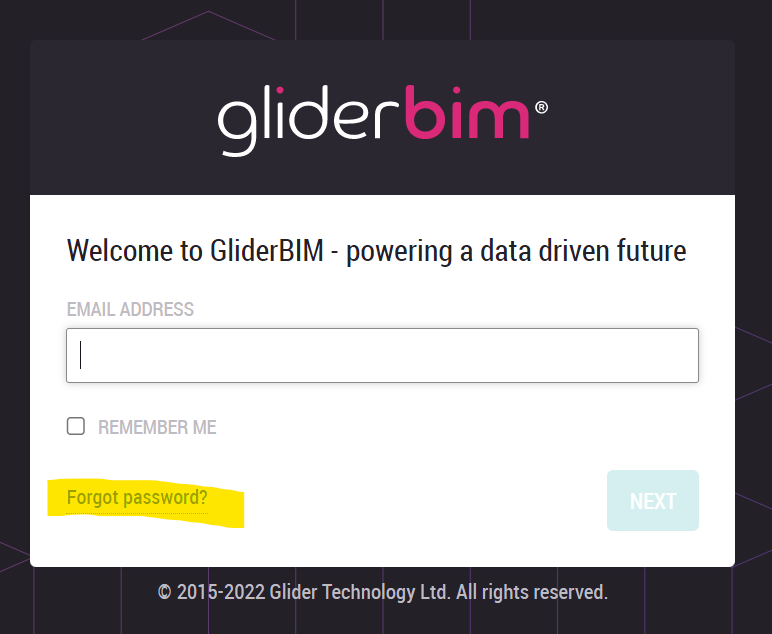
If a user forgets their password, they can issue themselves a re-set email link via the ‘Forgot Password’ button, found on the login screen:

 234
234
If a user forgets their password, they can issue themselves a re-set email link via the ‘Forgot Password’ button, found on the login screen:

